Multilingual text
English, Arabic and Japanese in one Chromium document, with the built-in fonts.
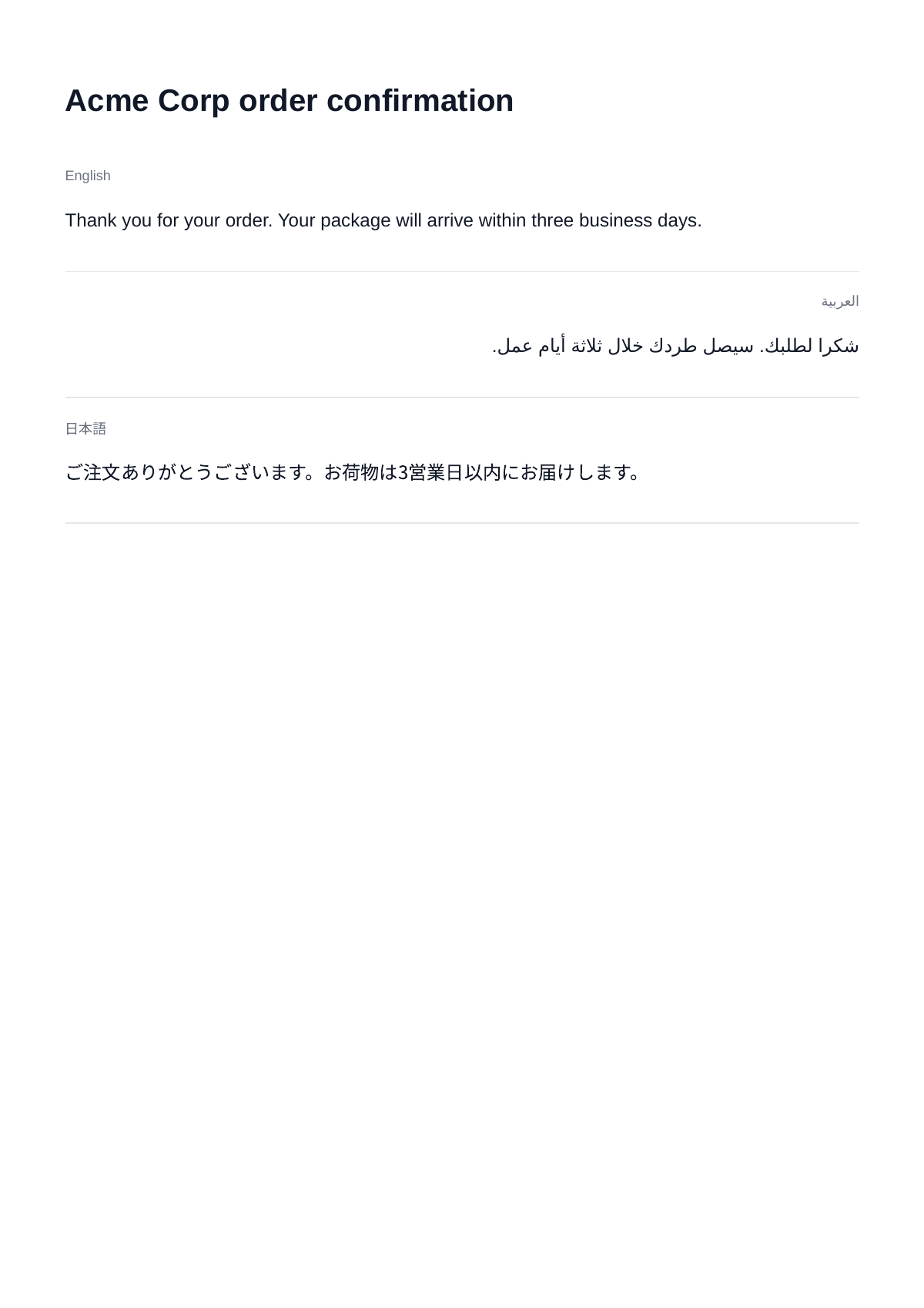
One document with English, right-to-left Arabic (dir="rtl") and Japanese, rendered with Chromium's built-in fonts and no registered font.
With Forme, register a TrueType font that covers each script; without one, the document is refused with 422 unsupported_document.
HTML
Save the document as multilingual.html.
<!doctype html>
<html lang="en">
<head>
<meta charset="utf-8" />
<title>Order confirmation</title>
<style>
  body {
    font-family: sans-serif;
    font-size: 12pt;
    line-height: 1.6;
    color: #111827;
  }

  h1 {
    font-size: 20pt;
  }

  section {
    padding: 4mm 0;
    border-bottom: 1px solid #e5e7eb;
  }

  .lang {
    font-size: 9pt;
    color: #6b7280;
  }
</style>
</head>
<body>
  <h1>Acme Corp order confirmation</h1>

  <section lang="en">
    <div class="lang">English</div>
    <p>Thank you for your order. Your package will arrive within three business days.</p>
  </section>

  <section lang="ar" dir="rtl">
    <div class="lang">العربية</div>
    <p>شكرا لطلبك. سيصل طردك خلال ثلاثة أيام عمل.</p>
  </section>

  <section lang="ja">
    <div class="lang">日本語</div>
    <p>ご注文ありがとうございます。お荷物は3営業日以内にお届けします。</p>
  </section>
</body>
</html>
Request
Each sample reads multilingual.html and saves the PDF as multilingual.pdf. The cURL sample builds the JSON body with jq.
jq -n --rawfile html multilingual.html \
  '{ engine: "chromium", html: $html }' \
  | curl https://api.eu.revecto.dev/v1/convert \
    -H "Authorization: Bearer $REVECTO_API_KEY" \
    -H "Content-Type: application/json" \
    --data-binary @- \
    --fail-with-body \
    -o multilingual.pdf
Result
See also: Fonts.